VK Hacking in 2026: How to Protect Your Account
VK remains a widely used social network across Russia and other Russian-speaking markets. Millions of users share photos, videos, messages, and personal information on the platform. This article explains how to improve account security, reduce phishing risks, understand common scam patterns, and use two-factor authentication in 2026.
Two-Factor Authentication (2FA) on VK
Why Is 2FA Important?
Even a strong password can be exposed through phishing, malware, or a data breach. Two-factor authentication adds an additional layer of protection.
Two-Factor Authentication Methods
- SMS codes
- Authenticator apps
- Hardware security keys
Using an additional authentication factor can significantly reduce the risk of account takeover.
Strong Passwords and Password Managers
How to Create a Strong Password
Your password is a primary layer of account protection. Use a long, unique password that is not reused on other websites or services.
Why Use a Password Manager?
Password managers can securely store unique credentials and help users avoid password reuse across different services.
Phishing and Social Engineering
What Is Phishing?
Phishing uses fake sign-in pages or messages that imitate official VK notifications. The goal is often to trick users into revealing passwords, verification codes, or other sensitive information.
How to Protect Yourself from Phishing
- Check the website address (the official domain is
vk.com) - Do not open suspicious links
- Never enter credentials into untrusted apps or websites
How Scammers Target VK Accounts
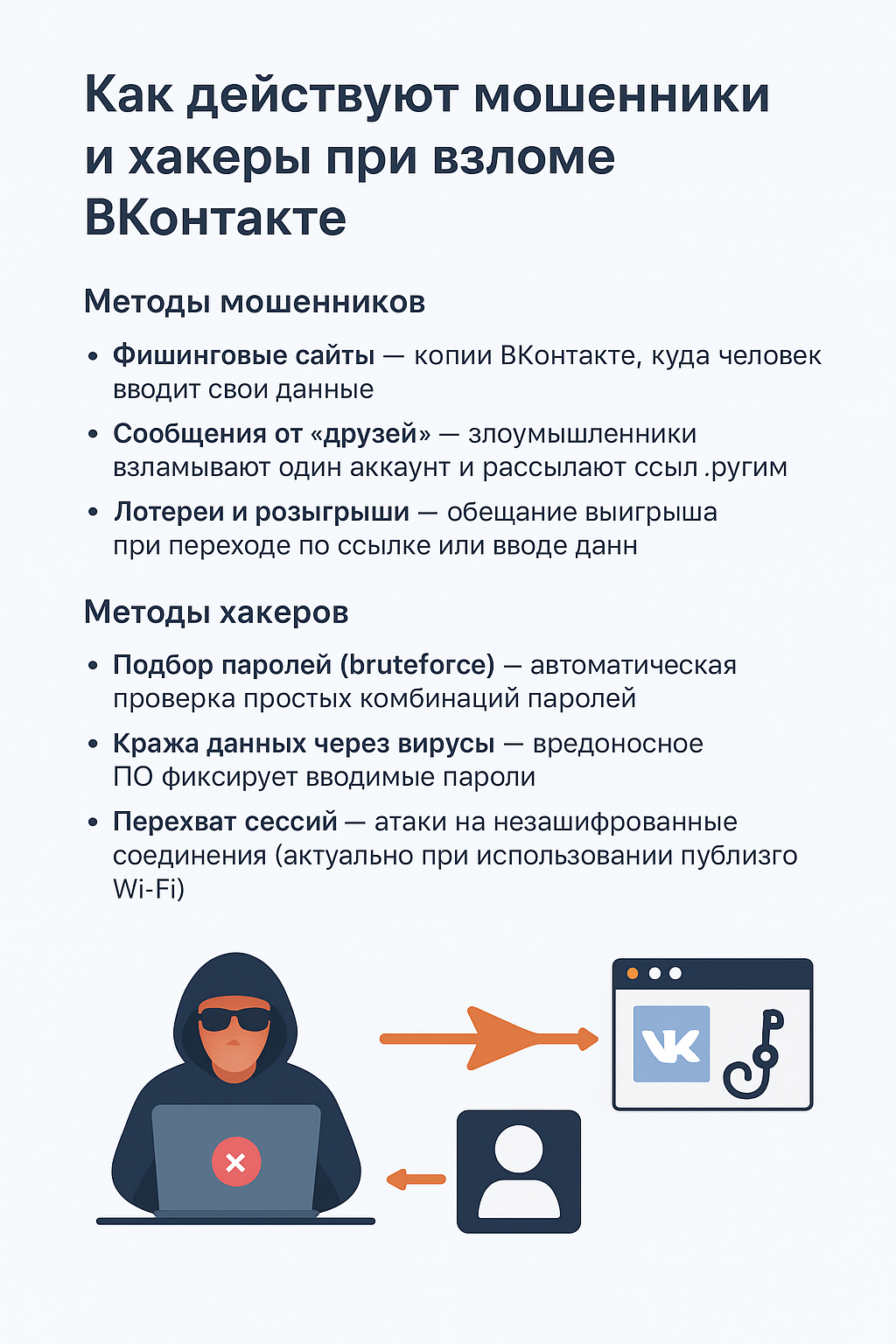
Common Scam Methods
Many scams rely on social engineering, targeting the user rather than the platform itself. Common patterns include:
- Phishing websites — fake VK sign-in pages designed to capture account credentials.
- Messages from “friends” — compromised accounts may be used to send fraudulent links to trusted contacts.
- Fake giveaways and lotteries — fraudulent offers that promise prizes in exchange for visiting a link or providing personal information.
Technical Account Risks
Technical account risks can include:
- Weak-password and credential-reuse attacks — automated attempts that exploit weak or reused credentials.
- Credential theft through malware — malicious software can capture passwords and other sensitive information.
- Session theft — unauthorized access to an authenticated session, particularly on compromised devices or unsafe networks.
Understanding these risks can help users recognize suspicious activity and respond before access is lost.
Monitoring Account Activity
Where to Review Logins
VK allows users to review active sessions and recognized devices in the account security settings.
What to Do If You Notice Suspicious Activity
If you see an unfamiliar device or session, sign it out, change your password, and enable two-factor authentication.
Account Recovery
What Recovery Options Are Available?
- Recovery codes sent to email or phone
- Identity verification through the official support process
Keep your recovery phone number and email address up to date so the official recovery process is easier if access is lost.
Protecting Personal Information
Which Privacy Settings Should You Use?
VK privacy settings can limit who sees your content, friends list, and personal information. Review these settings regularly and restrict sensitive information where appropriate.
What Should You Avoid Posting?
Avoid publishing identity-document details, your home address, payment information, or other sensitive data that could be abused for fraud.
App and System Updates
Why Updates Matter
Software updates often include important security fixes. Keep the VK app, your browser, and your operating system up to date.
The Future of VK Security
Emerging Security Technologies
- AI-assisted detection of suspicious activity
- Biometric authentication where supported
- Automatic blocking of phishing links
Conclusion
VK account security in 2026 requires a combination of good security habits. Understanding common scam patterns, using two-factor authentication, creating strong unique passwords, reviewing account activity, and keeping software updated can significantly reduce risk.
⚠️ Important: Unauthorized access to another person’s account is illegal. This information is provided for security awareness and educational purposes only and is intended to improve digital safety and data protection.


